Comparison10 min
Best AI Kiss Video Generators in 2026
We tested Runway, Pika, Sora, Kling, HeyGen and more — most block romantic content entirely. Here is what actually works for AI kiss video generation in 2026.
Read

Discover the best AI tools to turn anime art into animated videos. Compare features, pricing, and quality across 5 top anime video generators in 2026.
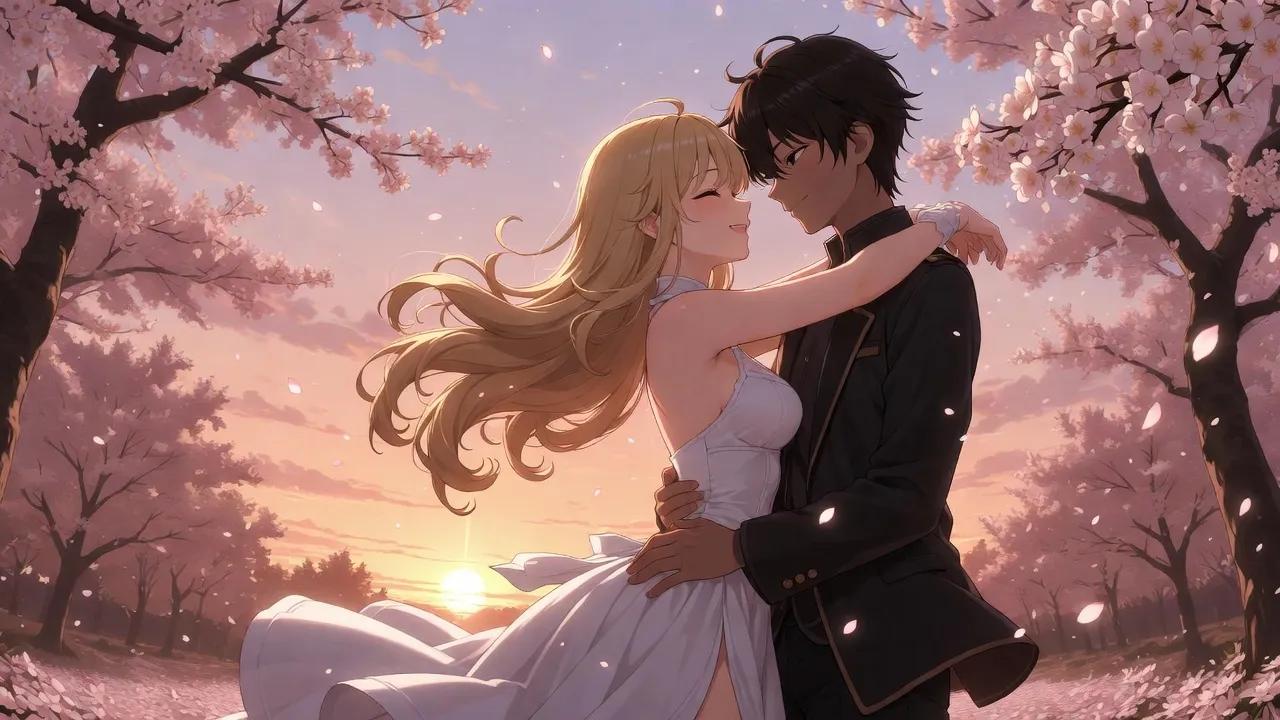
Anime art has never been more alive. With AI video generation tools, you can now take a static anime illustration and transform it into a fully animated video clip — complete with movement, expression, and cinematic quality.
Whether you're an artist looking to animate your illustrations, a content creator building anime edits, or simply someone who wants to see their favorite characters come to life, AI anime video generators make it possible in minutes.
AI anime video generators use image-to-video (I2V) models trained on millions of video frames. You upload a static anime image, describe the motion you want in a text prompt, and the AI generates a short video clip (typically 5–15 seconds) with fluid animation.
The latest models like WAN 2.6 are particularly impressive with anime content — the stylized nature of anime art actually plays to the AI's strengths, producing smoother and more consistent animation than realistic content in many cases.
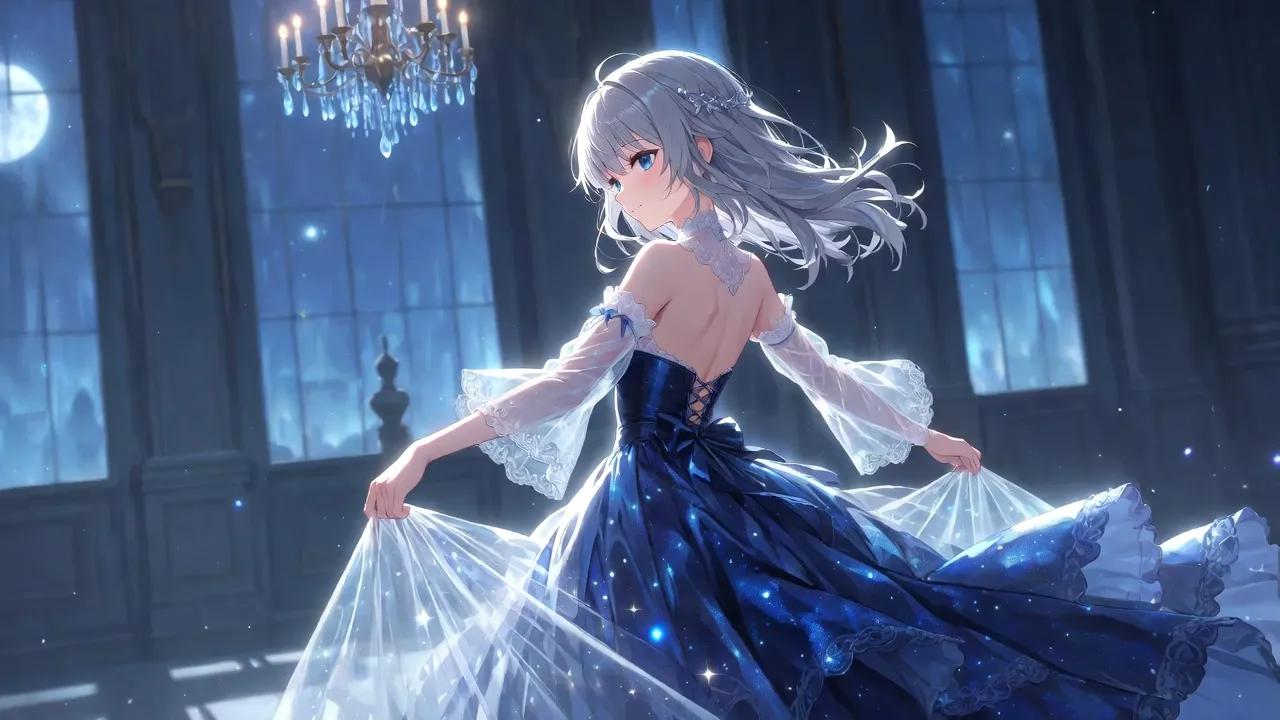
DreamLove is an AI video generation platform that excels at turning uploaded images — including anime art — into animated video clips. Its Dream Video tool accepts any image and generates 5–15 second videos based on your text prompt.
What makes it stand out for anime:
How it works:
Pricing: Free tier (20 credits on signup, 1 video = 15 credits) / Credit packs from $4.99
Best for: Artists and creators who already have anime artwork and want to animate it with full control over the motion.
PromptChan is a dedicated NSFW AI generation platform that supports both anime and realistic styles, with image generation and 10-second video output.
Features:
Pros:
Cons:
Pricing: $5.99–$18.99/month
Best for: Users who want both anime image generation and video in one platform.
SoulGen is an AI image generator known for anime-style artwork, with a newer video generation feature that can produce up to 20-second clips.
Features:
Pros:
Cons:
Pricing: $12.99/month (annual: $7.58/month)
Best for: Users who want anime image generation first, with video as a bonus feature.
Civitai is the largest open-source AI model marketplace, hosting thousands of anime-specialized models. Combined with Vidu video generation, it offers a powerful but technical workflow.
Features:
Pros:
Cons:
Pricing: Buzz credits (~$0.001–$0.006/image), free tier available
Best for: Technical users who want maximum control and variety at the lowest cost.
PixAI is a pure anime AI generation platform with a strong community focus, daily free credits, and high-quality anime output.
Features:
Pros:
Cons:
Pricing: Free daily credits / $8–$9.99/month
Best for: Anime image generation only — no video capability, but excellent for creating source images to animate elsewhere.
Here's how to turn your anime art into an animated video in under 2 minutes:
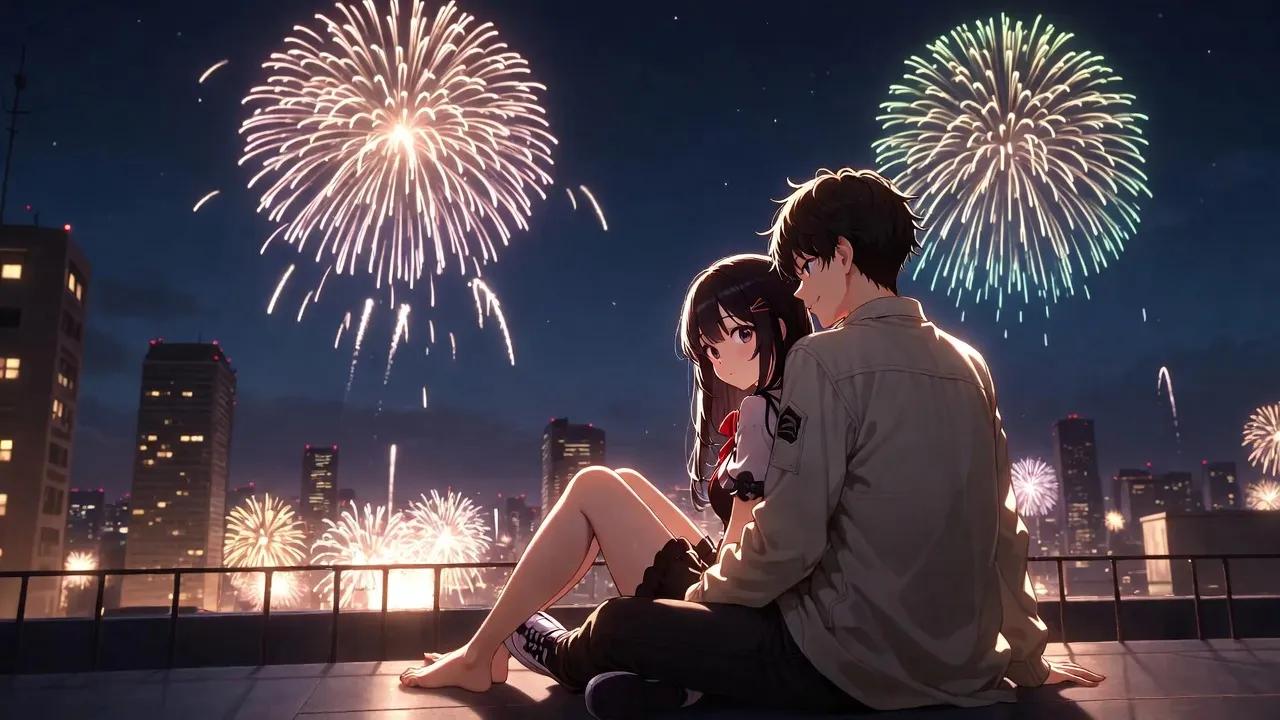
Start with a clear, high-quality anime illustration. The image should have:
PNG or JPG format works best. The AI will analyze the image to understand the characters and scene.
Go to DreamLove's Dream Video Generator and upload your image. Then write a prompt describing what you want to happen:
Example prompts for anime:
Tip: Keep it focused on one main action. The AI handles 5-second clips best with a single clear motion.
Pro strategy: Use the free 480p tier to test different prompts quickly. Once you find a prompt that gives great results, switch to HD for the final render.
Click Generate and wait about 60–120 seconds. The AI will:
Download your video and share it!
The key to great results is iteration. Many experienced users follow this workflow:
This approach uses credits efficiently while maximizing quality.
Yes — you can upload original artwork, fan art, screenshots, or AI-generated anime images. Any clear anime-style illustration will work. The AI doesn't require specific formats or styles.
Most tools generate 5–15 second clips. DreamLove offers 5s (free), 10s, and 15s (paid). SoulGen can do up to 20s. These are best used as short animation clips rather than full scenes.
DreamLove gives 20 free credits on signup — enough for one free anime video (15 credits for 480p/5s). PromptChan has a limited free trial. Civitai offers free Buzz credits for basic generation.
Not at all. You can use AI-generated anime images (from tools like PixAI, Civitai, or the DreamLove Image Studio) as your input. Create the anime art with AI, then animate it with AI video — a fully AI-powered workflow.
Free tiers typically output 480p. Paid tiers can reach 720p or 1080p HD. For social media sharing, 720p is usually sufficient. For portfolio or high-quality projects, 1080p is recommended.
The AI tools work with any anime-style image, including fan art of existing characters. However, be mindful of copyright when sharing or monetizing content featuring copyrighted characters.
AI anime video generation is one of the most exciting developments in creative AI tools. The technology has reached a point where anyone — artist or not — can bring anime illustrations to life with fluid, convincing animation.
For the best combination of quality, ease of use, and free access, DreamLove's Dream Video Generator is our top recommendation. Its WAN 2.6 model produces some of the most impressive anime video results we've seen, and the free tier lets you test it with your own art before committing.
Ready to animate your anime art? Try DreamLove's Dream Video Generator for free →
Create your first AI video in seconds — no experience needed.
Create Anime Video FreeWe tested Runway, Pika, Sora, Kling, HeyGen and more — most block romantic content entirely. Here is what actually works for AI kiss video generation in 2026.
Complete guide to AI face swapping in videos. Learn the difference between Face Swap and Head Swap, how to choose the right photos, and get professional results every time.
Step-by-step guide to creating realistic AI kissing videos from just two photos. Learn photo selection tips, video duration options, and how to get cinema-quality results in under a minute.